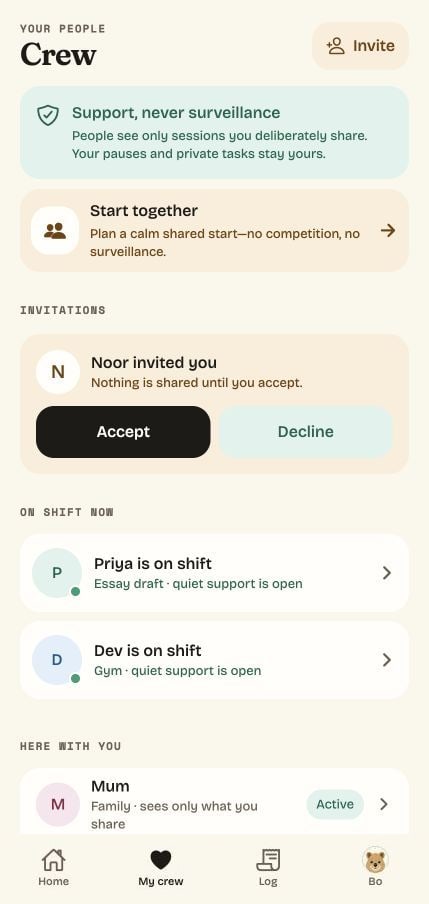
Never shown to Crew
- Pauses
- Private notes and reflections
- Parked distractions
- Sessions and tasks you don’t share
Choose a task, set a timer and focus with Bo. Work on your own or start alongside people you trust.
A little company. A smaller start.
From the first “I’ll start in a minute” to a moment worth keeping. Meet Bo, find your focus, and let your people cheer you on.
 That’s what Clock In is for.
How it works
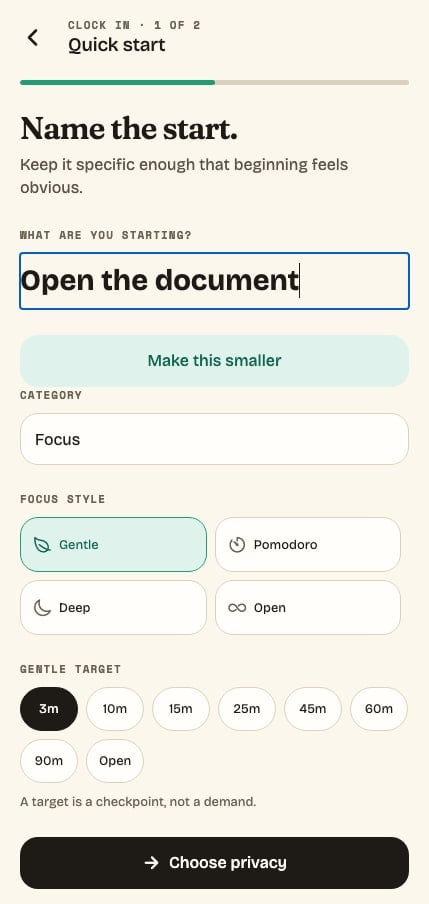
Name what you want to work on. If it feels too big, Make this smaller asks you to write a first action, such as opening the document and writing a heading.
Choose your own duration with Gentle, a 25-minute Pomodoro, a 60-minute Deep session, or Open with no target. Three minutes is just one option.
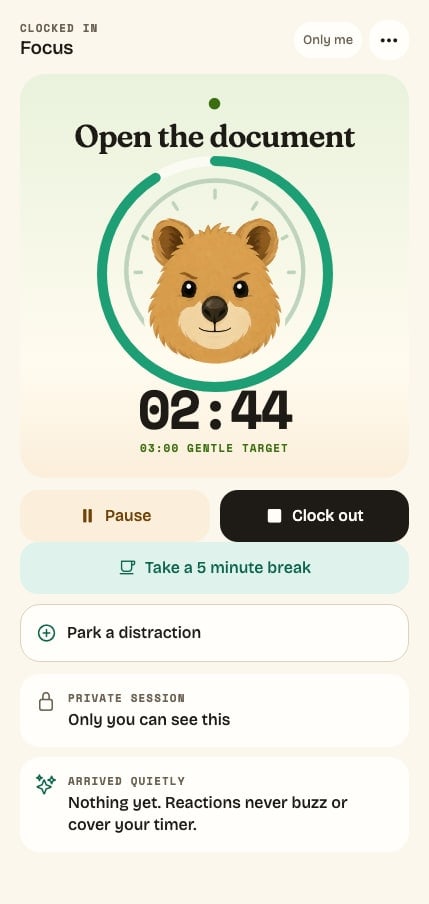
Take a five-minute break or park a stray thought without leaving the session. Your session waits, and coming back counts.
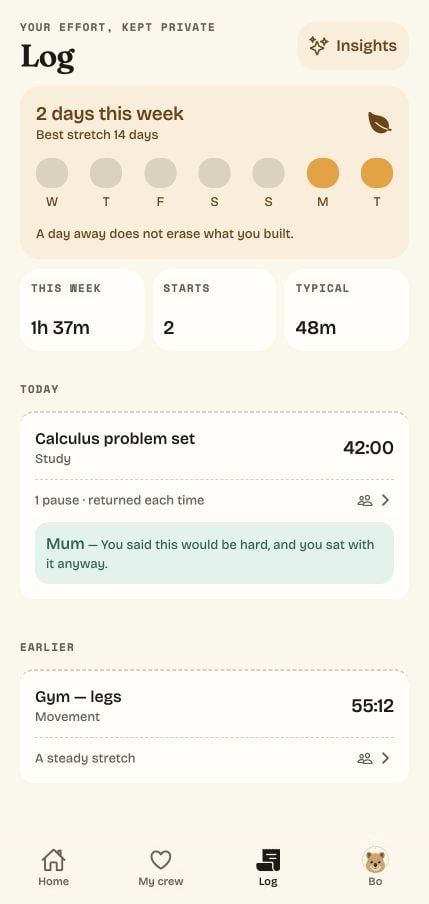
Finished or not, the time you gave is saved to your private Log. Clock In measures showing up, not perfection.
Inside the app
Real screens from the current build of Clock In. People and history shown are sample data.
Gentle lets you choose from 3 to 90 minutes. Pomodoro is 25, Deep is 60, and Open runs without a target.
Capture a stray distraction without leaving your session. It stays private, ready for later.
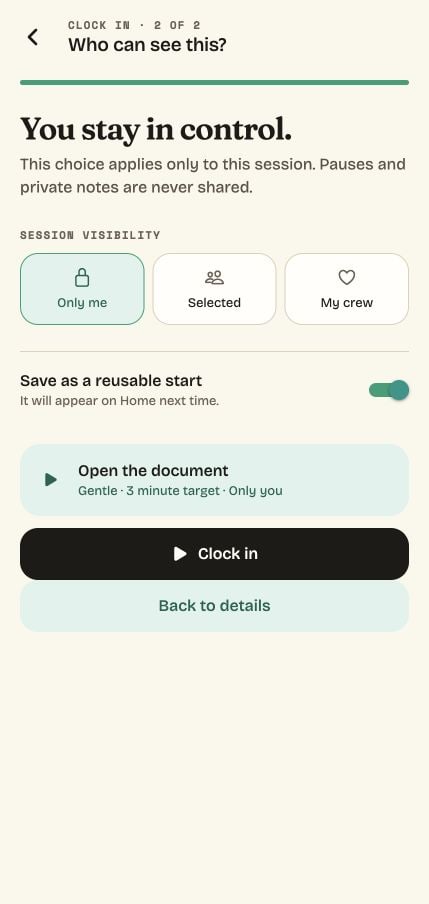
Only me, Selected or My crew. You choose before every session, and pauses are never shared.
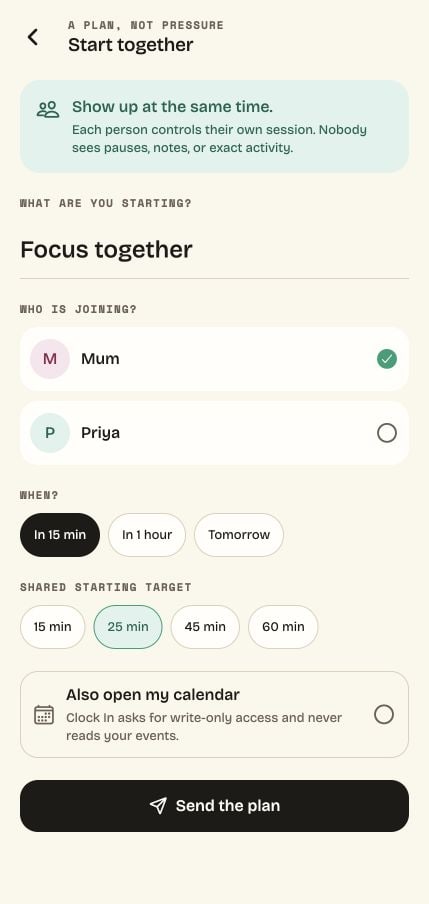
Plan a start with someone in your Crew. They can say “I’ll be there” or “Not this time,” and each of you clocks out whenever you’re ready.
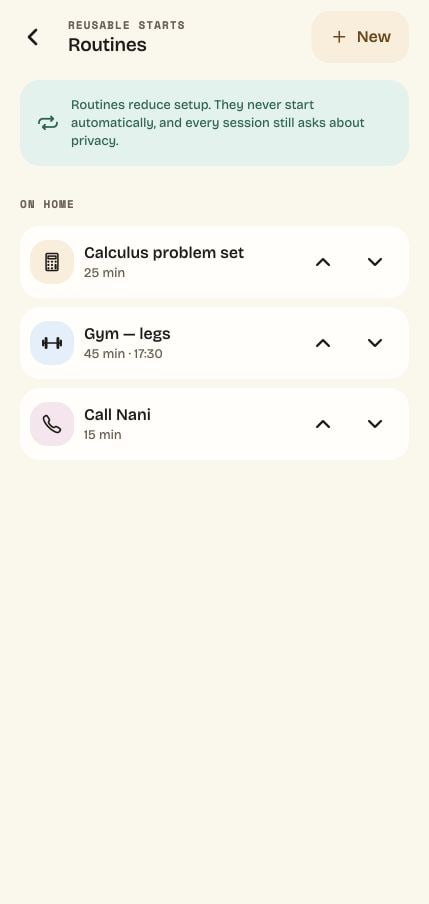
Save reusable starts to Home. They never begin on their own, and privacy is always your call.
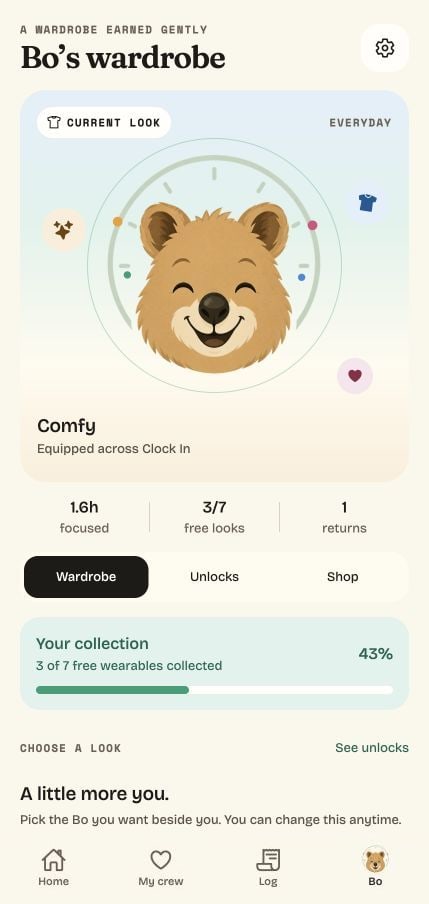
Four coats, always included, and little wearables you earn simply by showing up.
Some people find it easier to start when someone they trust is quietly there, often called body doubling. Share a session and your Crew sees you’ve started and can send a quiet signal. No cameras, no feeds, no strangers.
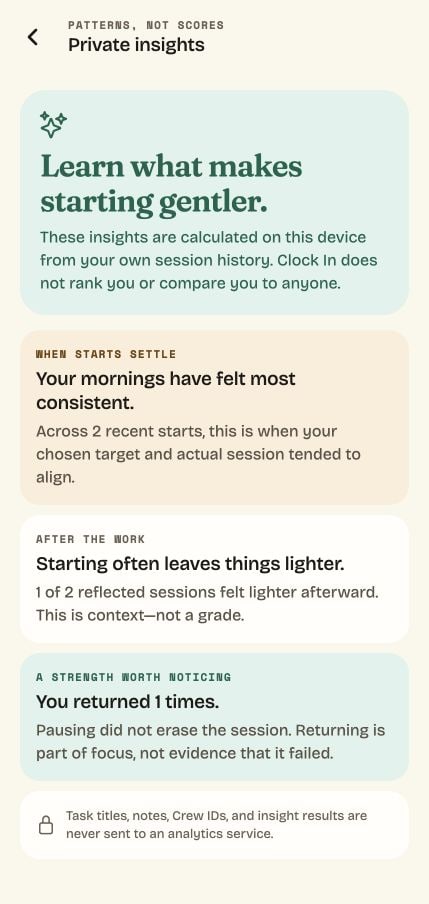
Learn when starting feels easier, how you feel afterward and how often you come back after a pause. Calculated on your device from your own history, and never compared with anyone else’s.
Each session gets a receipt: your time, your pauses, your returns and any encouragement. Add a private reflection if you like. History is for remembering effort, not grading it.
Bo stays beside you while the clock runs. No guilt trips, no sad faces, no lost progress. Just a small, fluffy reason to begin.
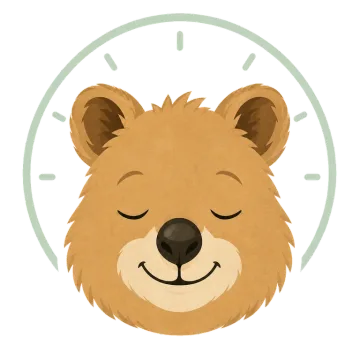 AsleepOn Home, until you name a startReadyWhen a start is waiting
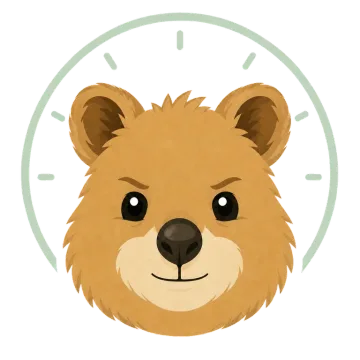 FocusingWhile the clock runs
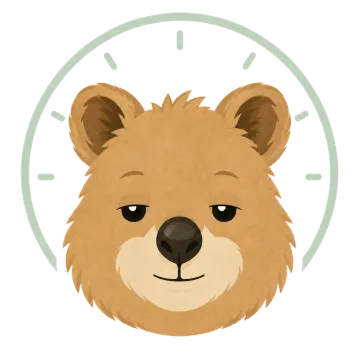 RestingWhile you pause
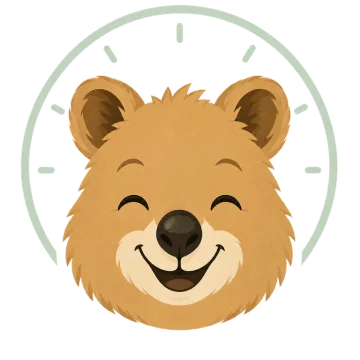 DelightedWhen you clock out
Four coats, always included. Bo’s face follows your session, and there is no disappointed Bo.
Little wearables that celebrate effort. They never change timers, scores or what Crew can see, and progress never expires.
Every session starts private. You decide what’s shared, one session at a time, and some things are never shared at all.
A summary of how the app is designed. The full Privacy Notice will be published with the app.
Despite the name, it’s a personal focus app. Here’s exactly what it is, and isn’t.
For the work, study and everyday tasks you want to give your time to. Here is how Bo can fit into your day.
See how it works for youChoose a task, set a timer and park distracting thoughts for later. Arrange a shared start with a friend when you want accountability.
Plan a start with someone in your Crew. Work on your own subjects with separate timers and send each other quiet encouragement.
Write one manageable first action, choose how long to try it and clock in with Bo. Pause or finish whenever you need to.
Clock In: With Bo is a personal focus timer for iPhone. Choose a task, set a timer and focus while Bo, a companion character, keeps you company. Sessions are private by default, and you can choose to share one with a small Crew of people you trust.
No. Despite the name, Clock In is a personal focus app. It has no employer dashboards, attendance or payroll features. “Clocking in” simply means starting a focus session for yourself.
The iPhone app is being prepared for release, and no release date has been announced. Join the waitlist and you’ll get one email when it’s available on the App Store.
Pricing will be shown on the App Store listing at release. In the app, Bo’s four coats and every milestone wearable are included. Any optional cosmetic collections for Bo are one-time purchases that never change timers, insights or what Crew can see.
Not to focus. You can run private sessions, park distractions, add reflections and see insights without signing in. An account is only needed to sync across devices and to connect with a Crew.
Body doubling means working on your own task while someone else is present, which some people find makes starting easier. Clock In’s optional Crew offers a camera-free version: people you trust can see that you’ve started, only when you share that session, and can send a quiet signal. Research on body doubling is still limited, so Clock In doesn’t promise results.
No. A session records the time you gave to something, not whether it’s finished. Clock out whenever you’re ready. Clock In measures showing up, not perfection.
Gentle is the flexible-length option: choose a target from 3 to 90 minutes. Pomodoro uses 25 minutes, Deep uses 60 minutes, and Open runs without a target. Three minutes is the default for a new session, not a required session length. For timed sessions, the timer counts down to your target, then counts any extra time. You can pause or clock out whenever you choose.
No. Clock In doesn’t block apps or ask for Screen Time access. It gives you a personal focus timer, private notes and optional accountability from your Crew. You can pause or clock out whenever you choose.
Only the sessions you choose to share with them, and the task title only if you allow it for that connection. Pauses, private notes, reflections, parked distractions and unshared tasks are never visible to Crew.
Yes, once they’re in your Crew. With Start Together you name the start, pick a time (in 15 minutes, in an hour or tomorrow) and a shared starting target. They can say they’ll be there or not this time, and they see only that you invited them, never who else was asked. Each of you controls your own session and privacy, and nobody needs to finish at the same time.
No. Clock In is a productivity app, not a medical device or treatment, and it makes no clinical claims. It’s designed for anyone who finds starting hard, for whatever reason.
Sessions start private, insights are calculated on your device, and there’s no advertising or cross-app tracking. Anonymous usage sharing is off unless you turn it on. You can export your data or delete your account from Settings in the app.
Join the waitlist and we’ll send one email, when Clock In arrives on iPhone.
One release reminder. No newsletter. Unsubscribe anytime.
 Clock In is coming to iPhone